
• Main COD Website
  • Log into Blackboard
  • COD Portal
  • Home
  • Get Started
    • Faculty Get Started
    • Students Get Started
  • Tools
    • Blackboard Tools
    • ARI
    • Integrations
    • Media Creation
  • Ultra
    • Ultra Overview
    • Best Practices
    • FAQ
    • Transition Process
    • Try Ultra
    • Tutorials
    • Ultra Transition Workshops
    • What’s New in Ultra
    • Student Help
  • Accessibility
    • Ally Overview
    • Ally for Faculty
  • Resources
    • Knowledge Base
    • Newsletter
    • Training
  • Online Quality
    • Best Practices
    • RSI
    • Rubric
  • Blog
  • Home
  • Get Started
    • Faculty Get Started
    • Students Get Started
  • Tools
    • Blackboard Tools
    • ARI
    • Integrations
    • Media Creation
  • Ultra
    • Ultra Overview
    • Best Practices
    • FAQ
    • Transition Process
    • Try Ultra
    • Tutorials
    • Ultra Transition Workshops
    • What’s New in Ultra
    • Student Help
  • Accessibility
    • Ally Overview
    • Ally for Faculty
  • Resources
    • Knowledge Base
    • Newsletter
    • Training
  • Online Quality
    • Best Practices
    • RSI
    • Rubric
  • Blog
Dealing with Disruptions in Collaborate Ultra Sessions

Dealing with Disruptions in Collaborate Ultra Sessions

by Christina Sabo | Jul 20, 2021 | Blackboard, Collaborate Ultra, Featured

Whether you’re being “Zoom bombed” or simply have a student who is being extremely disruptive, knowing how to secure your online sessions and remove disruptors can be a big help. Here, we’ll show you how to  lock down your course rooms, remove participants who...
The Ultimate YuJa User’s Guide

The Ultimate YuJa User’s Guide

by Christina Sabo | Jul 13, 2021 | Blackboard, Featured, Integrations, Video, YuJa

Whether you’ve been using YuJa for awhile or are a newbie, it’s likely there’s still something you need to learn how to do in the video management system. There are a wide range of features and tools that make it much more than just a place to store your content...
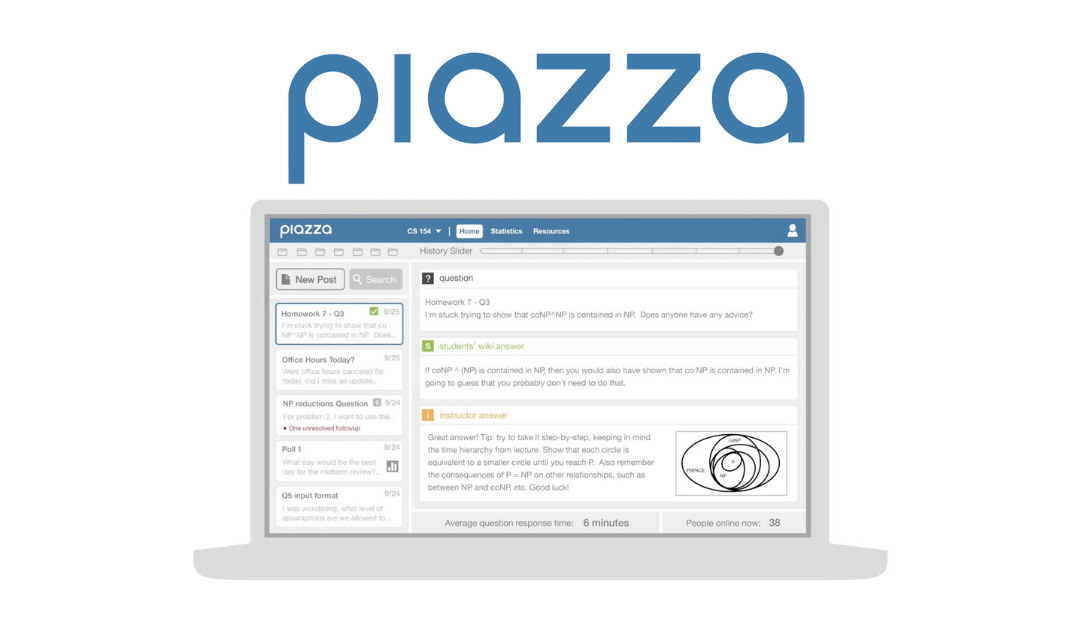
Blackboard Integration Guides: Piazza

Blackboard Integration Guides: Piazza

by Christina Sabo | Jun 29, 2021 | Blackboard, Featured, Integrations

Here at COD, we have a wide variety of tools that are integrated into Blackboard to make them easier and more seamless to use in courses. However, while we have a lot of tools available, many faculty and staff might not know what they are, how to use them, or how to...
Blackboard Integration Guide: Getting Started with GoReact

Blackboard Integration Guide: Getting Started with GoReact

by Christina Sabo | Jun 22, 2021 | Blackboard, Featured, Integrations

GoReact can be a great tool for engaging with students, allowing you to give inline, real time feedback on student videos. Sounds pretty cool, right? But how do you get it set up? How do you learn how to use the tools in GoReact? Where can you go for help?  Here,...
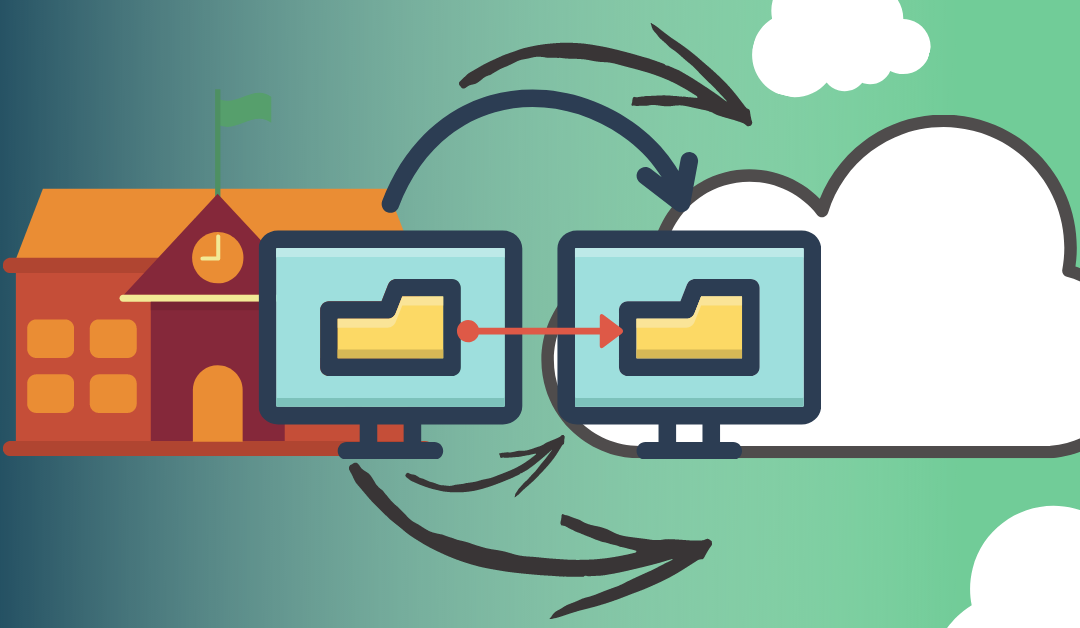
Changes Coming to Bb in 2022: What to Expect for the SaaS Migration

Changes Coming to Bb in 2022: What to Expect for the SaaS Migration

by Christina Sabo | Jun 15, 2021 | Blackboard, Featured, SaaS

You’ve likely heard that there are going to be some major changes coming to Blackboard next year. The first of these changes is that we are moving from our self hosted instance of Blackboard to a SaaS model. Here, we’ll share what this change means, how it will...

« Older Entries
Next Entries »

About LT

We're here to help you!

Learn more about LT. 

Helpful Links

  • > Blackboard Login
  • > LT Knowledge Base

Faculty Support

Learning Tech
  • > (630) 942-2490
  • > learningtech@cod.edu

IT
  • > (630) 942-4357
  • > helpdesk@cod.edu

Grades
  • > (630) 942-3838
  • > gradesdept@cod.edu

Adjunct Support
  • > oafs@cod.edu

Student Support

Student Help Desk
  • > studenthelp@dupage.edu
  • > (630) 942-2999
Student Resources
  • > Getting Started
  • > Ultra Support

Learning Technologies at College of DuPage

  • Office: BIC 3401 
  • Phone: (630) 942-2490
  • Email: learningtech@cod.edu
  • Follow
  • Follow
  • Follow