Ever wondered just what Learning Technologies does? Here's a quick primer! PDF format: What Does Learning Technologies Do?
Ever wondered just what Learning Technologies does? Here's a quick primer! PDF format: What Does Learning Technologies Do?
What Is Alt Text? Alt or alternate text is an HTML attribute added to an image (it lives within the IMG tag and appears here, bolded for emphasis <img src='image location'' alt="">). Alt text serves a couple of different purposes: It helps search engines...
It’s impossible to have a discussion about accessibility without touching on universal design. While accessibility often focuses on making things easier for those with disabilities to use, universal design goes a step further, creating an ideal model where usability...
Both students and instructors at College of DuPage have access to Lynda.com (if you haven't yet signed up, the Library explains how here). A division of the popular social networking site LinkedIn, the site offers training videos and courses on a wide range of topics,...
Video content can be an excellent way to enrich your course, but visual and auditory disabilities can make it difficult for some students to benefit. Luckily, making videos fully accessible is both fairly straightforward and easy to find assistance with (we can help)....
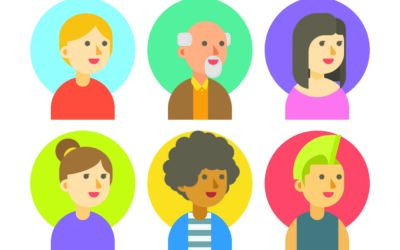
Even if you don't know the term, if you've used a computer in the past couple of decades you've seen an avatar. Avatars are digital graphical representations of the user, either as themselves or an alter ego, in both 2-D (like a BitMoji) and 3-D forms (like in Second...